Windows-native thin-client experience
Keep Windows.
Remove the complexity.
XPC turns any Windows PC into a simple, controlled gateway to the services your users need — Citrix, RDP/RDS, Azure Virtual Desktop, Windows 365, Horizon, Amazon WorkSpaces, Parallels RAS, VNC, browser-based workspaces and more.
One screen. Approved connections. No Windows desktop complexity. And IT keeps the Windows platform, drivers, security tools, agents and RMM it already knows.
- Any approved workspace
- Existing Windows estate
- Existing RMM workflows
- Reversible from the portal
Approved connections
Choose a workspace
Built for teams that deliver work through remote, cloud and web-delivered workspaces.
- Internal IT
- Managed Service Providers
- Branch Offices
- Call Centres
- Retail & POS
- Task-Based Workforces
See it in action
A calmer endpoint experience — Windows Loves Windows.
Playing now, silently. Turn the sound on or expand to full screen.
One desktop too many
If the work happens in a remote workspace, why make users navigate Windows first?
A conventional endpoint gives users an entire local desktop before they reach the virtual desktop where their work actually happens. That extra layer creates confusion, inconsistent behaviour and avoidable support requests.
Users open local apps instead of remote apps.
Files are saved in the wrong environment.
Local settings are changed unnecessarily.
Users struggle to distinguish the PC from the virtual desktop.
Disconnected remote sessions leave the endpoint running.
IT supports local actions the user never needed to perform.
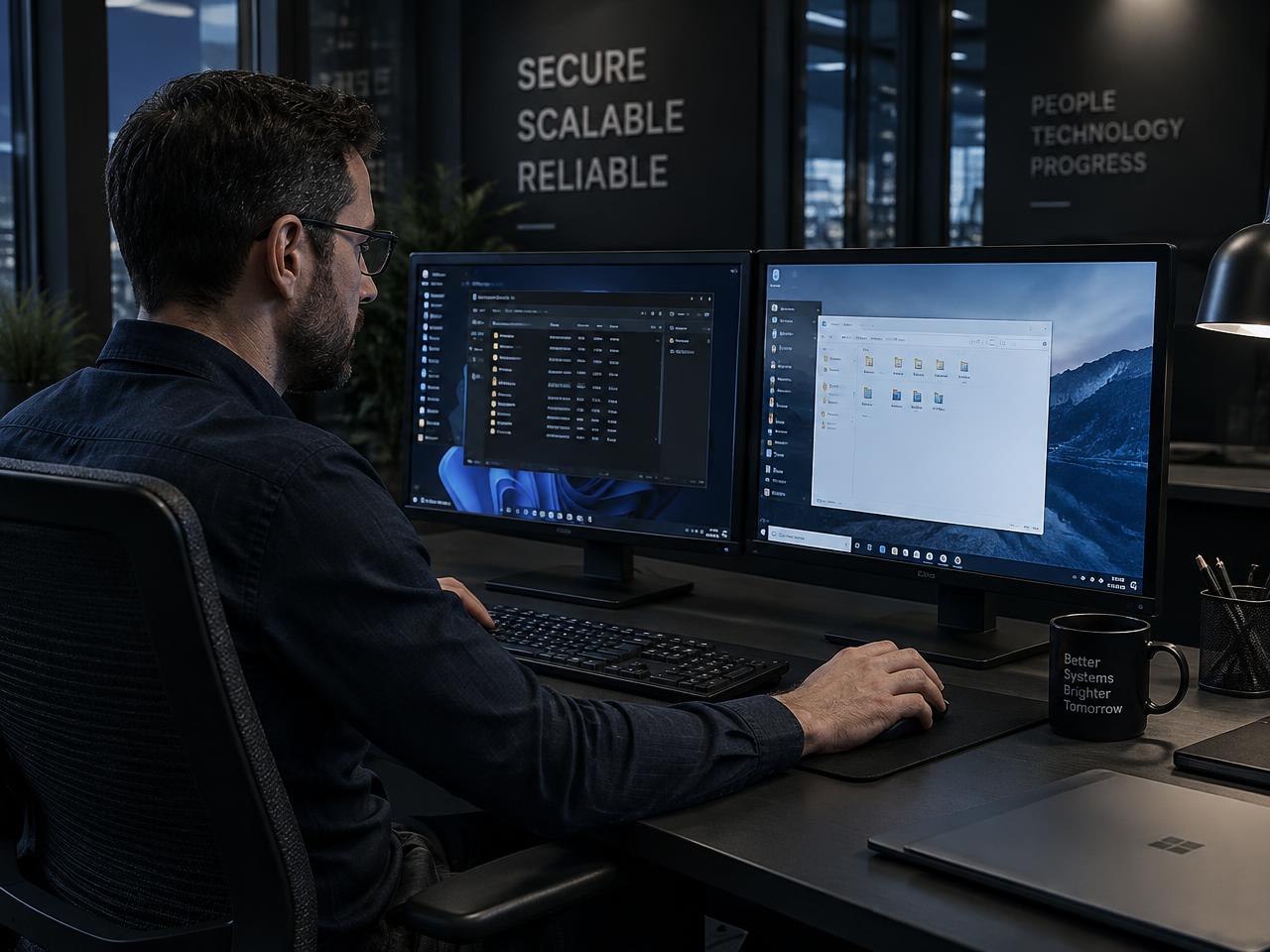
XPC removes that unnecessary journey from the user's day.
Before / after
From an entire local desktop to one focused screen.
Traditional Windows endpoint
- 1Sign into Windows
- 2Navigate the local desktop
- 3Find the workspace client
- 4Handle the remote login
- 5Work in a second desktop
- 6Disconnect and work out how to shut down the PC
XPC endpoint
- 1XPC appears
- 2Select the approved connection
- 3Work in the virtual desktop
- 4Disconnect, restart, or shut down from one clear screen
Less local complexity for users. Less avoidable endpoint confusion for IT.
A different approach to thin clients
Thin-client simplicity.
Windows compatibility.
XPC does not ask the organisation to replace Windows with a specialised endpoint operating system. It changes the user experience while leaving the underlying Windows estate in the hands of the team already responsible for it.
What the user sees
- Branded XPC interface
- Approved workspace, cloud and web connections
- Clear status and power controls
- No ordinary Windows desktop to navigate
What IT retains underneath
- Windows
- Existing RMM and remote support
- Existing endpoint-security products
- Windows drivers and peripherals
- Corporate agents and local services
- Customer-selected workspace clients and browser configuration
Approved connections
Choose a workspace
Six reasons XPC fits
Simple for users. Familiar for IT. Compatible with your estate.
A clearer user experience
Give users a direct route to the environment where they work.
Fewer avoidable support requests
Reduce local-versus-remote confusion and unnecessary changes by ordinary users.
Keep the management tools you already use
Continue using the Windows RMM, scripting, patching, security, and remote-support stack already embedded in IT operations.
No Linux endpoint migration
Avoid reimaging the estate into a different operating-system ecosystem merely to simplify the user interface.
Retain Windows compatibility
Keep access to Windows-native drivers, agents, services, plugins, and peripheral support, subject to the normal compatibility of those products.
Reuse suitable hardware
Extend the useful role of Windows devices that remain appropriate for the required workload instead of replacing them solely to obtain a thin-client experience.
Compatible with these RMMs and more…
 Atera
Atera NinjaOne
 ConnectWiseAutomate (LabTech)
 Tactical RMM
 Microsoft Intune
- and many more…XPC does not replace your RMM, so any Windows-based tooling continues to work.
One endpoint. Many ways to work.
Your workspace platform can change. XPC stays the same.
Citrix today, Azure Virtual Desktop tomorrow, several platforms at once, or a mixture of native clients and web applications — XPC gives users one simple, controlled place to start. The service still delivers the workspace; XPC controls the experience in front of the user.

Citrix
Virtual Apps and Desktops

RDP / Remote Desktop Services
Microsoft RDS

Azure Virtual Desktop
Microsoft Azure

Windows 365
Cloud PC

Omnissa Horizon
formerly VMware Horizon

Amazon WorkSpaces
AWS

Parallels RAS
Remote Application Server
VNC-compatible access
Where a VNC-style client is used
Browser-delivered workspaces
Any approved web workspace
SaaS and web applications
Approved websites and portals
Local Windows applications
Where appropriate for the role
Custom scenarios by request
Talk to us about your requirement
XPC controls the experience. Your existing clients and services handle the connection. XPC is deliberately focused in what it manages, not limited in what it can launch — specialist tools continue handling Windows management, security, patching and the workspace itself.
Need something different? Talk to us. If Windows can reliably launch the required client, URL or application, XPC may be able to turn it into part of the controlled workspace experience. Custom scenarios are validated before we confirm them, because compatibility can depend on the native client, authentication flow, browser requirements, Windows support and the security or kiosk restrictions in place.
XPC is not a connection broker and does not implement remote display protocols. The platform's own client or web application makes the connection; XPC presents and launches the connections you approve. All product names and logos are trademarks of their respective owners and are shown for identification only.
The XPC proposition
The workspace can change. The endpoint experience doesn’t have to.
- 01
Keep Windows.
No unnecessary operating-system replacement, no reimage and no second platform to learn.
- 02
Keep your tools.
Drivers, RMM, security agents, support tooling and management processes all remain in place.
- 03
Choose your workspace.
Citrix, RDP/RDS, Azure Virtual Desktop, Windows 365, Horizon, WorkSpaces, Parallels RAS, web applications and other approved services.
- 04
Simplify the endpoint.
The user sees only the simple, controlled experience they actually need to do the job.
Endpoint strategy
Why keep Windows on the endpoint?
When users connect to Windows-based services such as Azure Virtual Desktop, Windows 365, Citrix and Omnissa Horizon, there are strong compatibility and future-readiness advantages in keeping Windows at the edge.
Simple for users. Familiar for IT.
XPC manages the experience. Your existing tools manage Windows.
User path
- 1User
- 2XPC interface
- 3Approved connection
- 4Corporate virtual desktop
XPC configuration path
- 1XPC Portal
- 2Tenant configuration
- 3XPC-Cloud-Connector
- 4XPC state & interface
Windows management path
- 1Existing RMM / IT tools
- 2Windows Update & Citrix Workspace
- 3Security stack & drivers
- 4Remote support
Configure XPC in XPC Portal. Continue managing Windows exactly where you manage it today.
XPC Portal
Control the XPC experience—without building another endpoint-management stack.
XPC Portal is deliberately focused. It configures the XPC user experience, reports connection readiness and controls whether an endpoint is presenting XPC or the normal Windows shell. Windows and third-party software remain the responsibility of the customer's existing management stack.
Registered Endpoints
128 devices · 4 configurations
| Endpoint | Configuration | State | Readiness | Check-in |
|---|---|---|---|---|
| WKS-BRISBANE-014 | Branch — Citrix Only | XPC Live | Citrix RDP | 42s ago |
| POS-STORE-88 | Retail POS | XPC Live | Citrix RDP | 18s ago |
| WKS-CALLCTR-221 | Call Centre | XPC Live | Citrix RDP | 51s ago |
| WKS-BRISBANE-005 | Branch — Citrix Only | XPC Suspended | Citrix RDP | 2m ago |
XPC vs Citrix UniconOS
Replace Windows—or simply replace what users see?
Citrix UniconOS
Replace the operating system
A purpose-built Linux endpoint operating system, centrally managed through UniconOS Management.
XPC
Replace the user experience
A Windows-native access shell, configured through XPC Portal while Windows remains managed through the organisation's existing tools.
UniconOS standardises the endpoint by replacing Windows.
XPC standardises the endpoint by replacing what the user sees.
Where XPC makes the most sense
MSP-managed customer estates
Preserve the RMM and support stack used across customers.
Learn moreRetail and point of sale
Retain Windows services, vendor components, and specialist peripherals.
Learn moreBranches and remote offices
Give users a consistent route into hosted desktops.
Learn moreCall centres and task workers
Keep the endpoint focused on one or two approved remote resources.
Learn moreMixed hardware estates
Apply a consistent XPC interface across suitable Windows devices.
Learn moreOrganisations reconsidering UniconOS
Obtain a focused thin-client experience without migrating the endpoint OS.
Learn moreA focused product
A focused product with a clear responsibility.
XPC is responsible for the access experience it presents. Your IT team remains responsible for Windows, Citrix Workspace, RDP, third-party software, endpoint security, drivers, peripherals, and lifecycle decisions. That clear separation is what allows XPC to remain lightweight and fit into established IT operations.
Common questions
Answers for technical and commercial buyers.
Give users the endpoint experience they actually need.
See how XPC can simplify access to your approved remote workspaces, cloud services and web applications while preserving the Windows estate and management tools your IT team already relies on.